808Fubo logo

article // feed

808Fubo Replays and Catch-Up: Watch What You Missed

Missed a match or a favorite show? Learn how replays and catch-up work on 808Fubo, how long content stays available, and how to plan around live schedules.

By 808Fubo Team

Introduction

Live television waits for nobody, but 808Fubo APK softens the schedule with replays and catch-up options on many channels. The big match you missed at work or the episode that clashed with dinner is often still there waiting.

This guide explains how catch-up works, what affects availability, and how to build a routine that misses nothing important.


How Catch-Up and Replays Work

Catch-up lets you watch recently broadcast programs after their live slot. Availability depends on the channel, and the window is usually measured in hours or days rather than weeks.

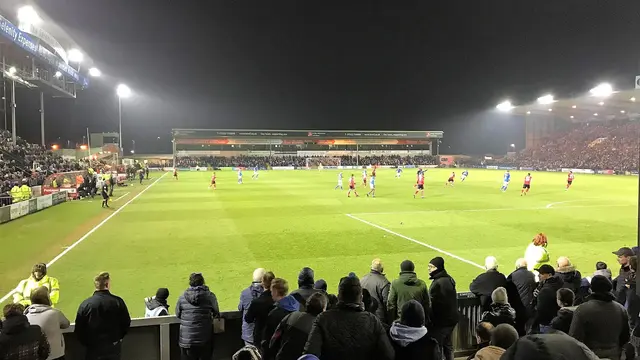
Sports replays are the most used part of catch-up. Full matches and highlights packages typically appear soon after the final whistle.

  • Recent programs after broadcast
  • Windows vary by channel
  • Sports replays appear quickly
  • Highlights packages for big events

Finding Replays of Matches You Missed

Start from the channel that carried the match or the sports area of the app. Replays usually sit near the original listing or in a dedicated replay row.

Avoid spoilers on the way in. Mute the group chat, open the app first, and keep your eyes on the replay listing rather than news headlines.

Planning ahead helps too: our football streaming guide shows how to check where a match will air before it starts.

  • Check the original channel first
  • Look for replay and highlights rows
  • Avoid scores and headlines beforehand
  • Watch the replay before reading analysis

How Long Catch-Up Content Stays Available

Windows differ. A popular match replay may stay for days, while a routine program might rotate out within a day.

The practical rule is simple: if you care about it, watch it within 24 hours. Treat anything longer as a bonus, not a promise.

  • Big events stay longest
  • Routine programs rotate faster
  • Watch important replays within a day
  • Availability is set by the channel

Catch-Up for Series and Shows

For series, catch-up keeps you in step with the broadcast schedule. Watch the missed episode before the next one airs and the story still flows.

Film fans can combine catch-up with the scheduled movie channels described in our movies and on-demand guide.

  • Watch missed episodes in order
  • Use weekend omnibus editions
  • Catch finales before spoilers spread
  • Build a weekly catch-up slot

When Catch-Up Is Not Available

Some channels offer no catch-up at all, and some programs are excluded by rights. If a replay is missing, check highlights coverage and the channel's next repeat broadcast.

For must-see live events, the only guaranteed seat is the live one. Set reminders for the fixtures and finals you cannot miss.

  • Rights can exclude some programs
  • Check for repeat broadcasts
  • Highlights as the fallback
  • Reminders for must-see live events

FAQ

Usually within a few hours of the final whistle, and often sooner for major events. Highlights packages typically appear first.

It varies by channel, from about a day to several days. Watching within 24 hours is the safe habit for anything you care about.

Catch-up depends on the channel and its rights for that program. Check for a repeat broadcast or highlights coverage instead.

Conclusion

Catch-up turns 808Fubo from a strict schedule into a forgiving one. Know where replays live, watch the important ones quickly, and a missed kickoff stops being a disaster and becomes a delay.

Download 808Fubo APK
Ryan Delgado

Reviewed by

Ryan Delgado

Live TV Streaming Reviewer

Ryan tests live TV and sports streaming apps on real Android devices, checking stream stability, channel loading and playback quality before any app is listed here.

More about Ryan Delgado